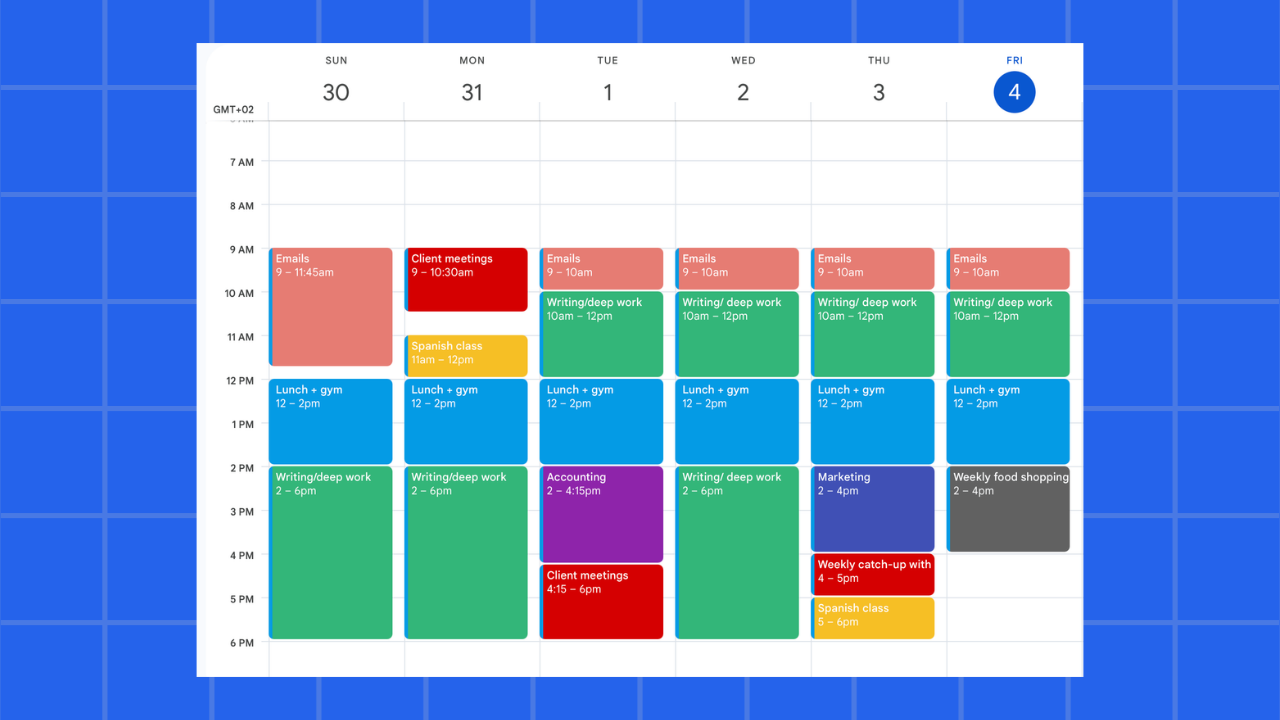
Most village halls run on a paper diary, a mobile number belonging to one volunteer, and a great deal of goodwill. According to research, "over 40% of village halls still rely on manual booking methods". That works until two groups turn up on the same Saturday, or the booking secretary steps down and takes fifteen years of knowledge with them. Here is how to set up a sustainable system.

1. Map Your Spaces and Set Clear Pricing
Before entering any dates, define your facility's rules to prevent multi-room booking clashes.
- List every bookable space: Include the main hall, smaller meeting rooms, the kitchen, and outdoor spaces.
- Define capacity: Record seated and standing capacity separately to avoid difficult conversations on the day.
- Establish tiered pricing: Decide your standard commercial rate and a discounted community/charity rate. If a rate needs explaining every time, it is too complicated.
2. Automate the Booking Workflow
Moving away from phone calls and email ping-pong is the change that saves the most time. In fact, automating these tasks "has been shown to reduce administrative workloads by up to 70-85%".
- Use an online request form: Let hirers see what is genuinely free and fill in details once, eliminating the back-and-forth.
- Protect regular bookings first: Input the weekly yoga class and parish council meetings before accepting new hires to proactively prevent double-bookings.
- Track payments explicitly: Ensure your system can instantly show if a hire fee or damage deposit has been paid and returned.
3. Plan the Committee Handover
The true test of a venue booking system is how quickly a new volunteer can pick it up without ringing the previous secretary.
- Centralize data: Ensure hirer contact details, payment statuses, and pricing rules live in the software, not in someone's personal inbox.
- Share the link: Put the public availability calendar link on the parish website, the physical noticeboard, and email footers to turn "who do I ring?" into something anyone can answer.
What Good Looks Like After Three Months
You will know the system has taken hold when nobody asks if the hall is free next Saturday, committee meetings no longer include apologies for a double-booking, and the treasurer can check outstanding payments without a spreadsheet.
How do you currently handle collecting deposits from one-off hirers compared to your regular, weekly community groups?